Changing or Adjusting Settings for Different Games Easily with S Switch

  • 2021-01-22

What is an S-Switch:

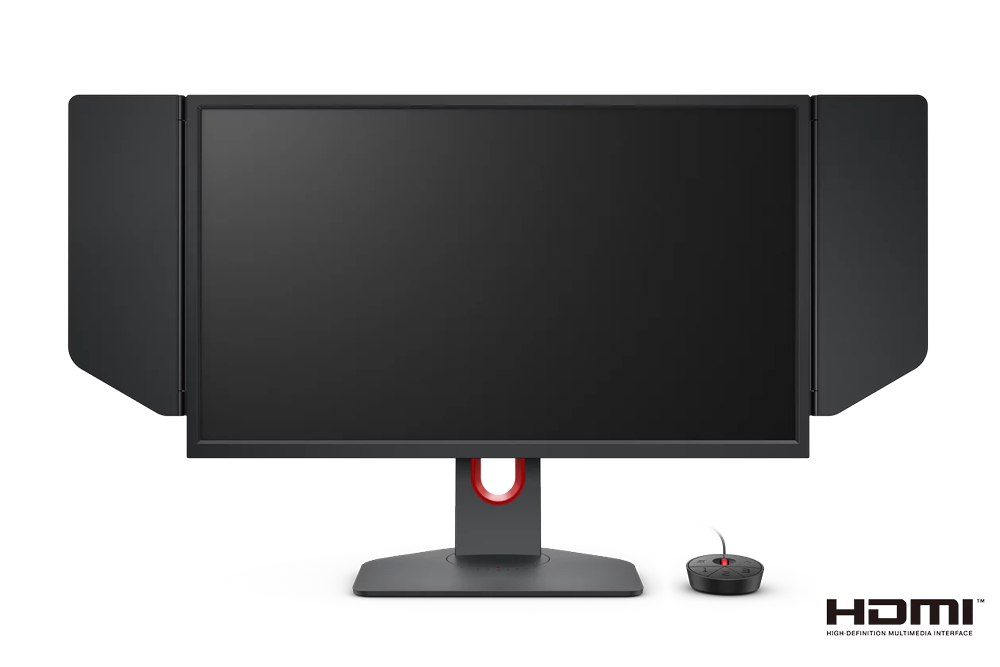
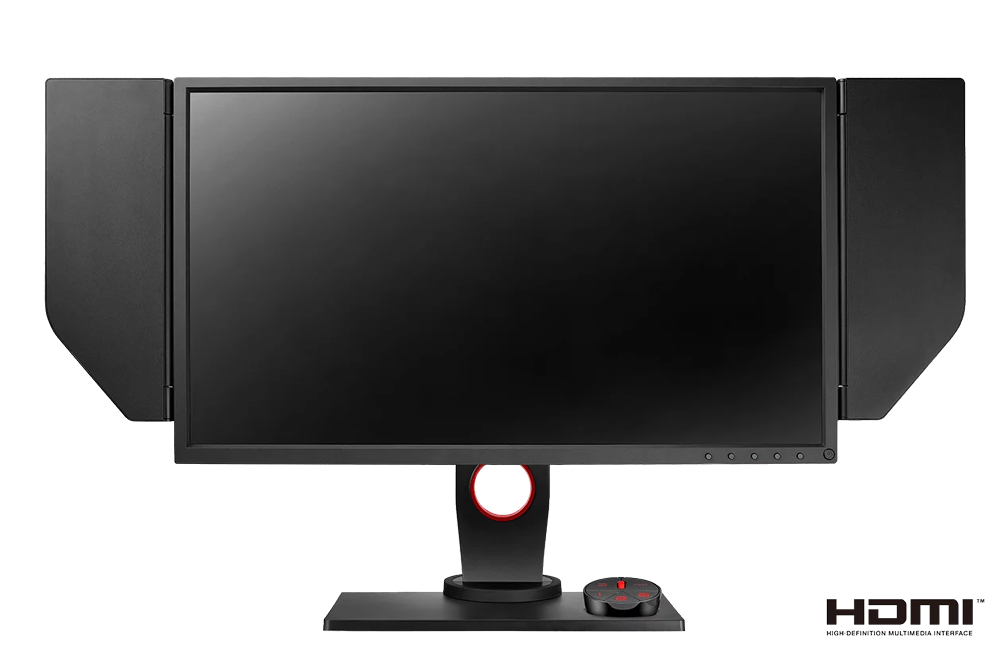
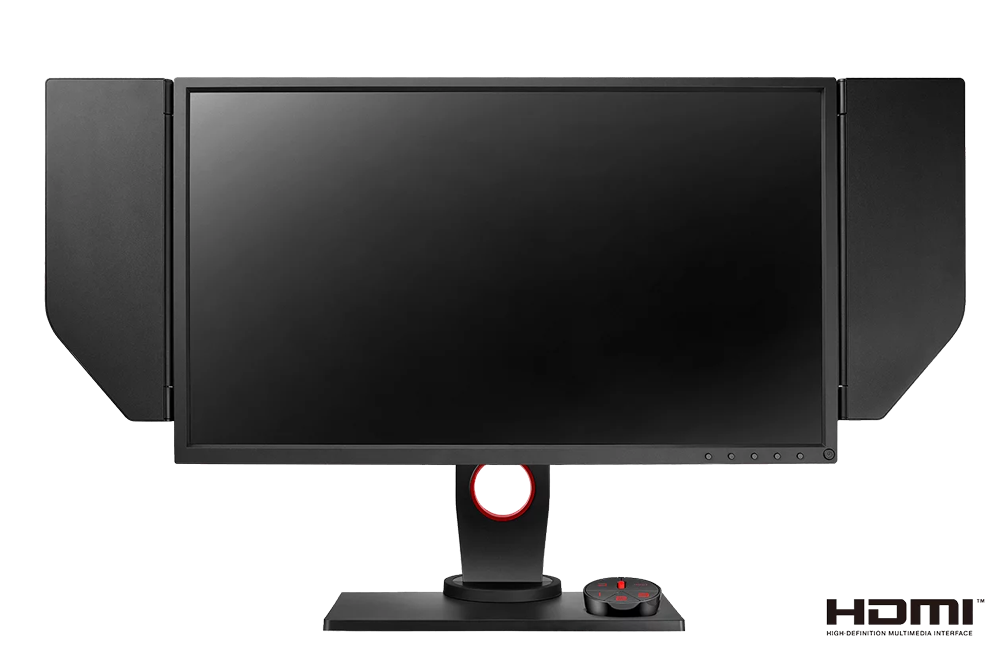
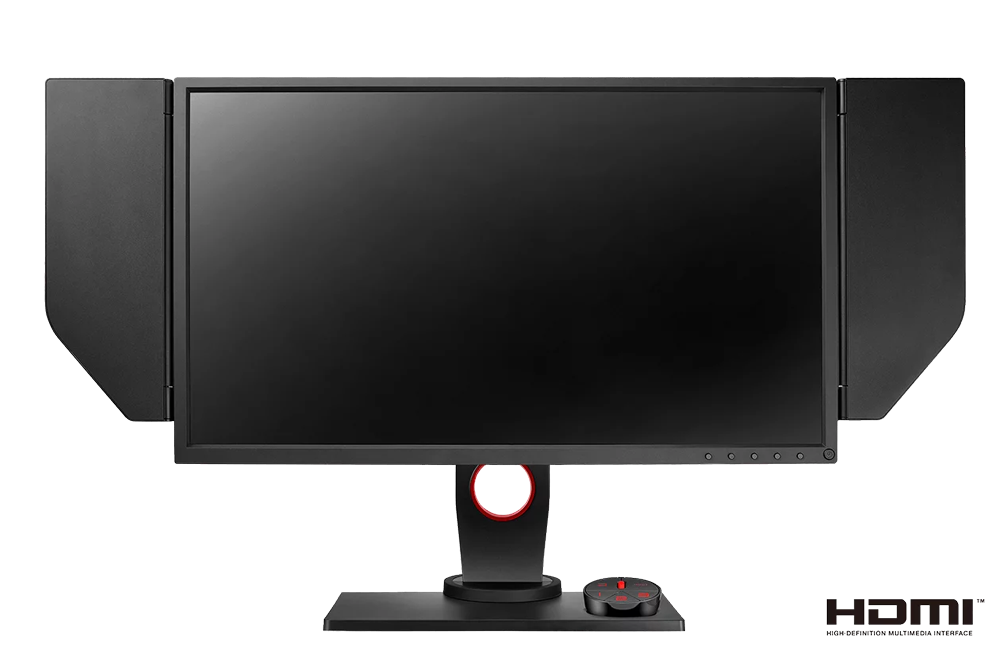
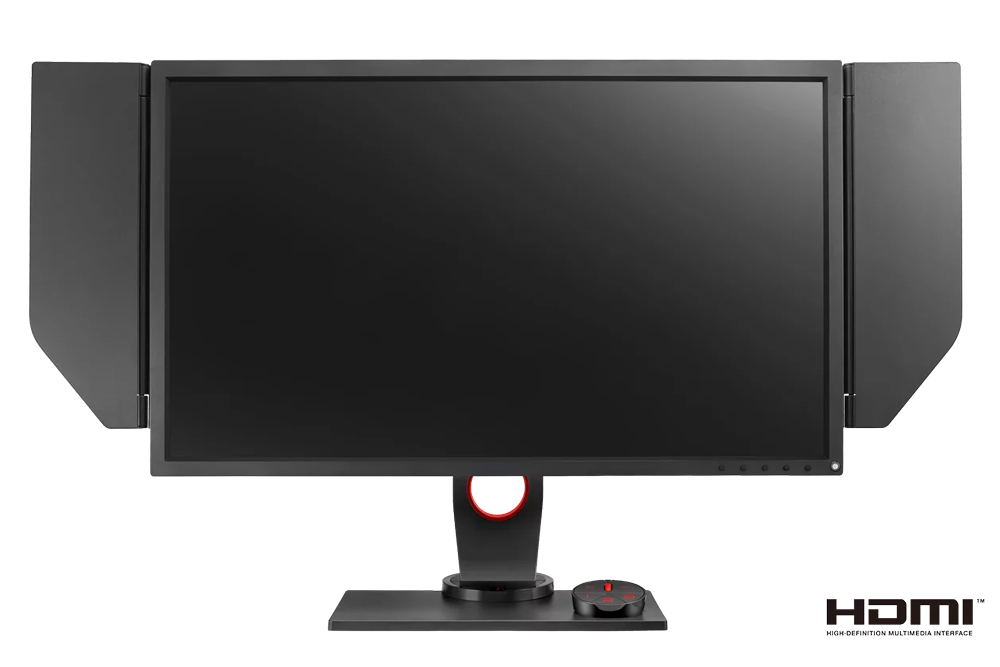
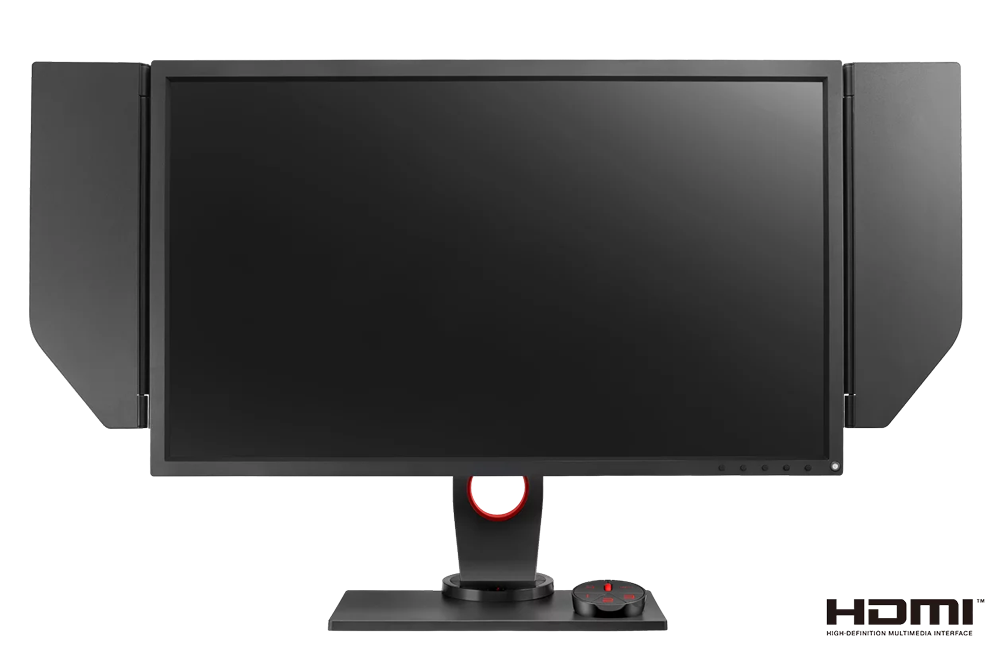
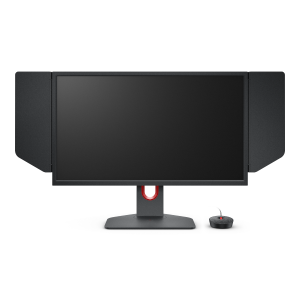
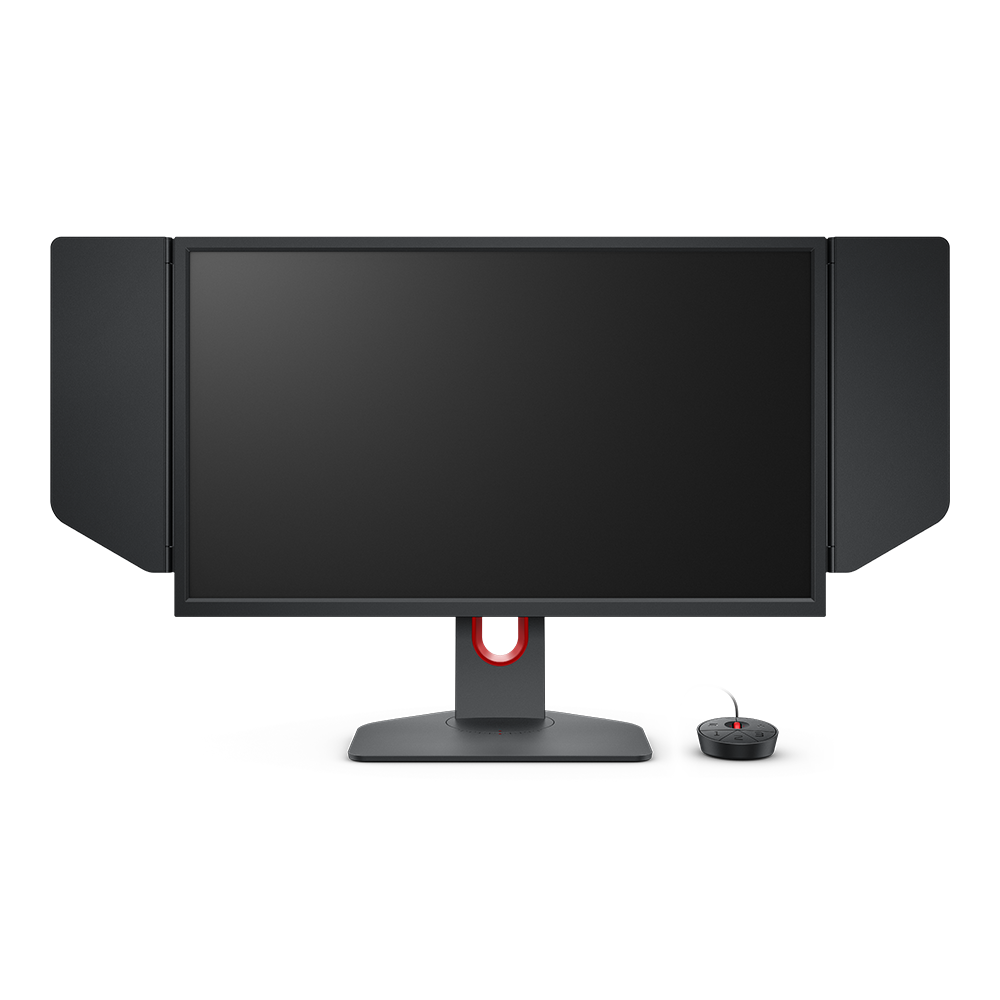
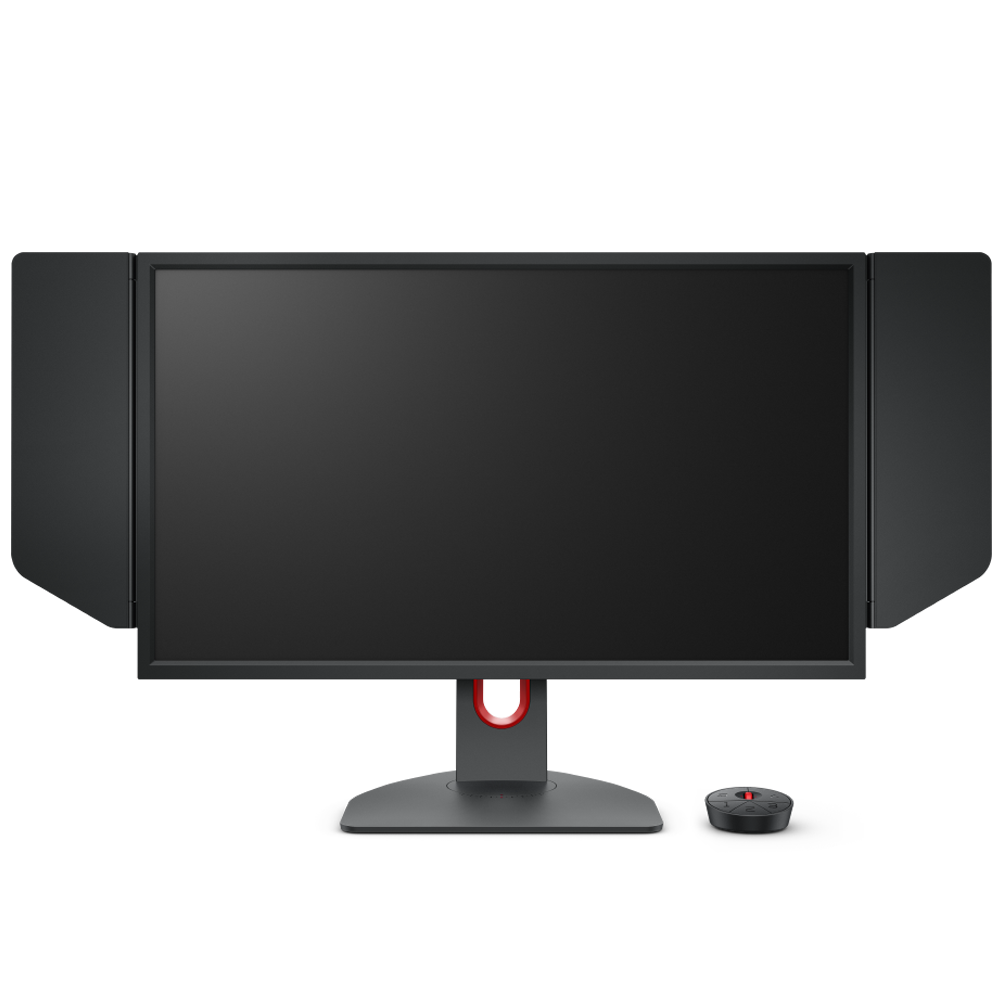
The S-Switch is ZOWIE’s exclusive wired controller that makes it easier to navigate through monitors’ settings menus. Instead of having to use buttons built into the monitor, the S-Switch is equipped with a scroll wheel and return button for easy navigation. In addition to the dedicated input switch button, there are also three buttons at the bottom, so that you can easily switch between optimized profiles for your main games.

How to save profiles to your S-Switch:

    Tips and Tricks:

    Because not one display profile fits all applications, we recommend taking advantage of the full capability of the S-Switch by creating settings for each of the three profile buttons. For example, if you find that your preferred viewing experience for gameplay isn’t ideal for web browsing, you can save one mode specifically for web browsing to quickly switch between modes.

    Monitors that support S Switch

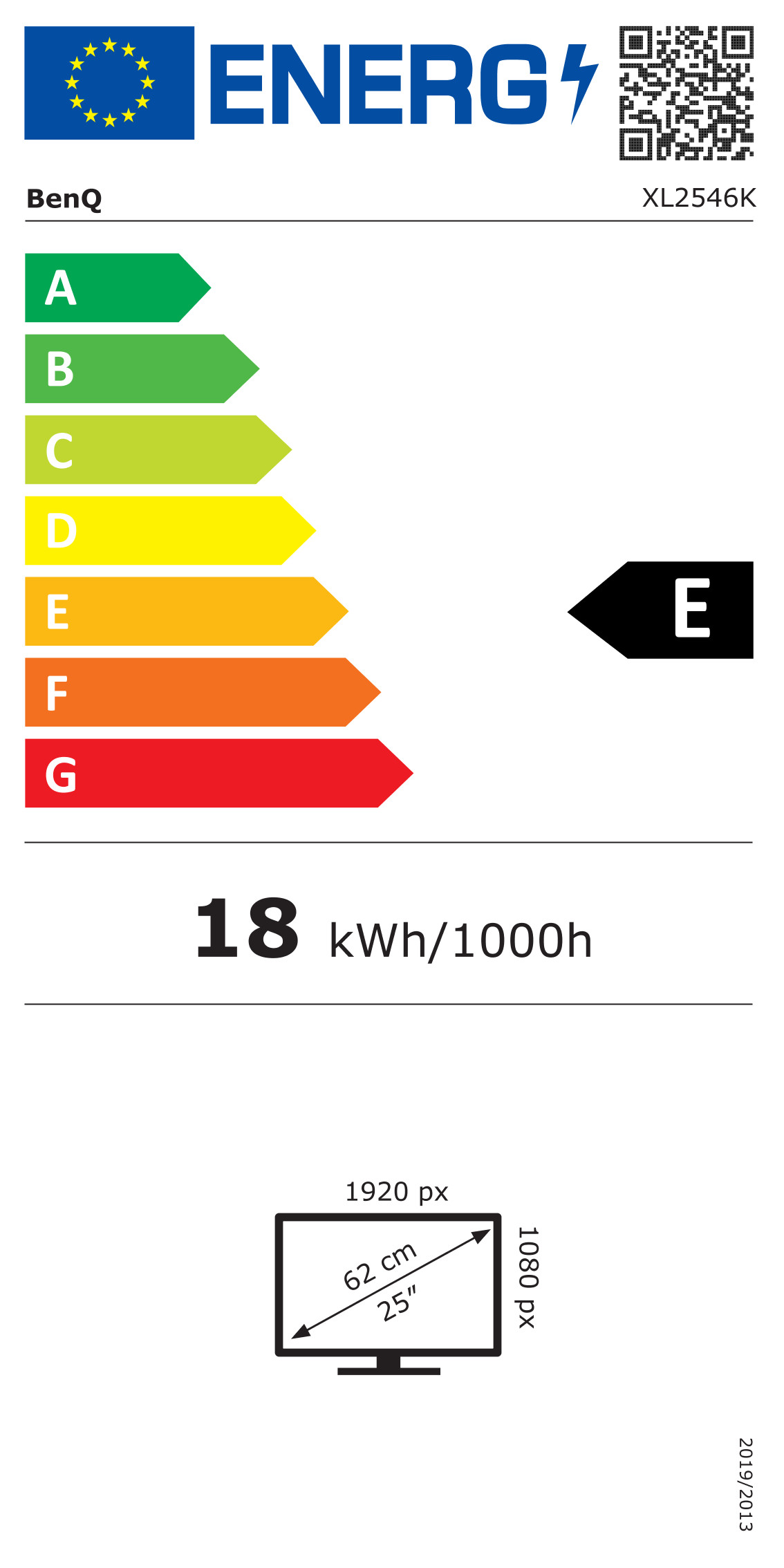
    XL2546K

    XL2540K

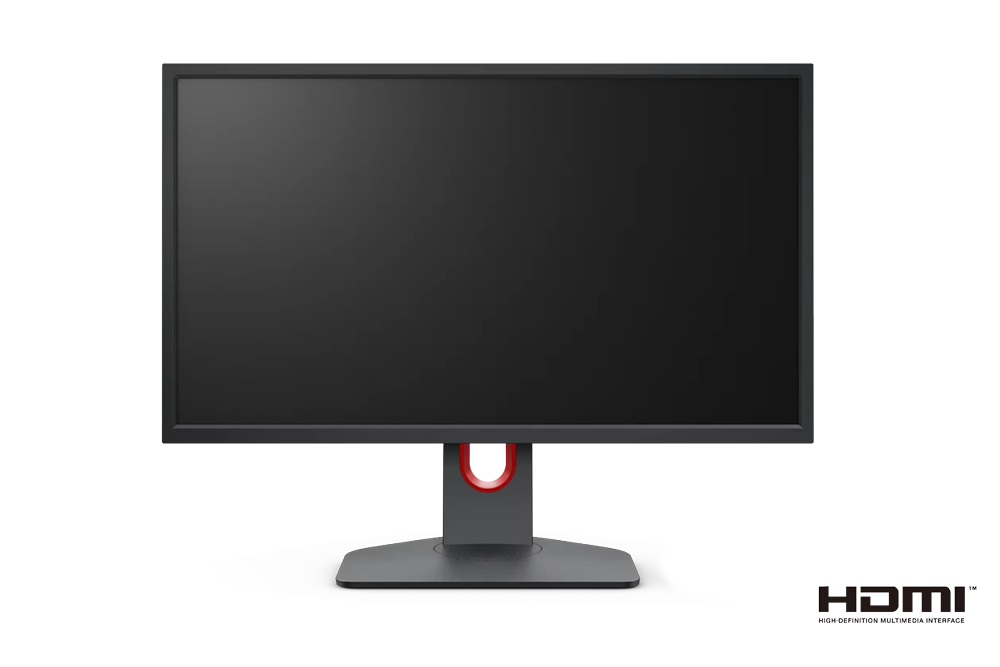
    XL2411K

    S switch is an optional accessory for XL2540K and XL2411K.

    Purchase link:  XS250

    XL2536

    XL2546

    XL2546S

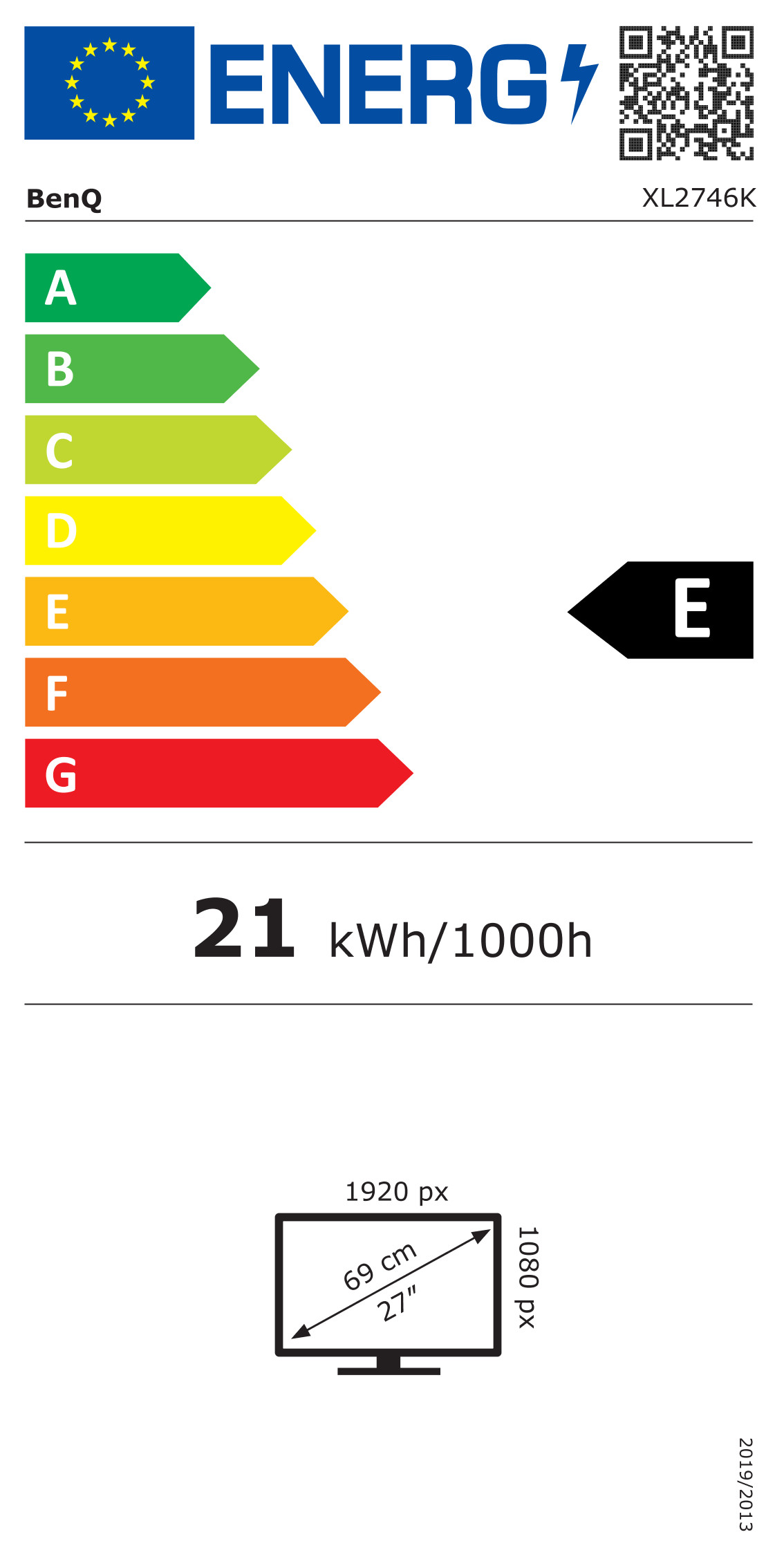
    XL2746S

    XL2740

    FAQ

    Q: Can I use the S-Switch with any monitor?

    Was this helpful ?

    Thanks for letting us know. How would you describe this FAQ?