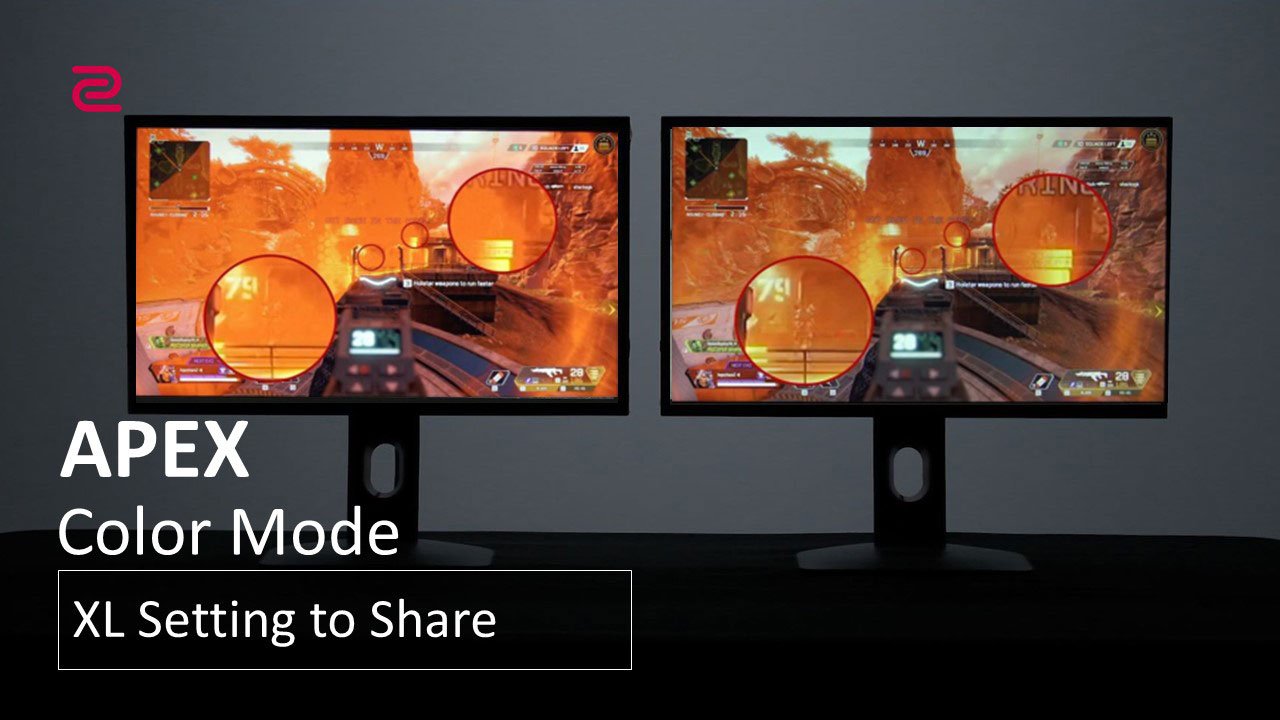
APEX Lengend
"XL Setting to Share™" is ZOWIE's proprietary software, designed to improve the convenience of accessing monitor settings and enhance your gaming experience.
Share your monitor settings with a teammate, friend, or your fans. Save and share profiles conveniently through a simple user interface.
Try out your favorite pro player’s monitor settings with ease (if they have shared monitor profiles).
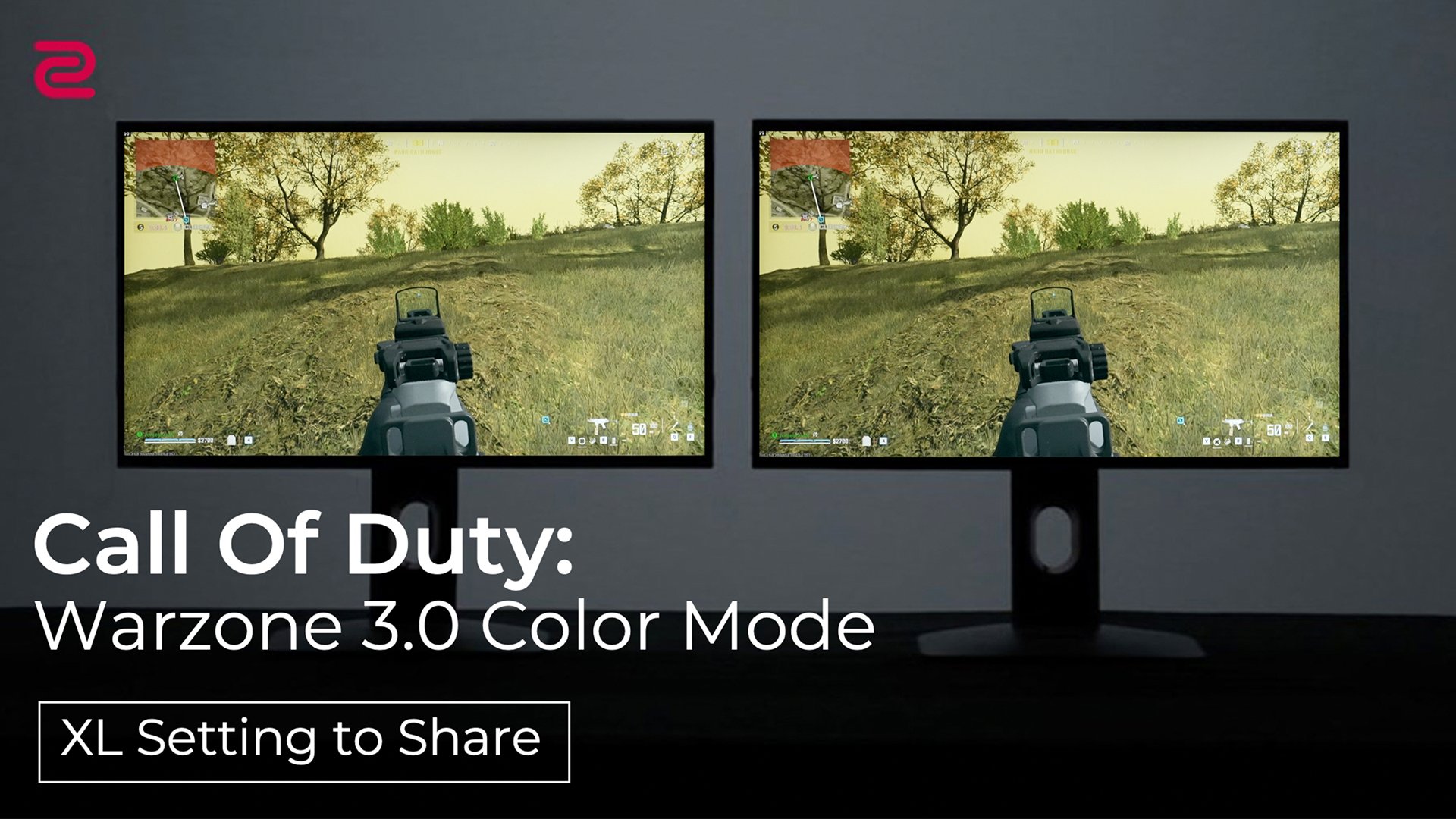
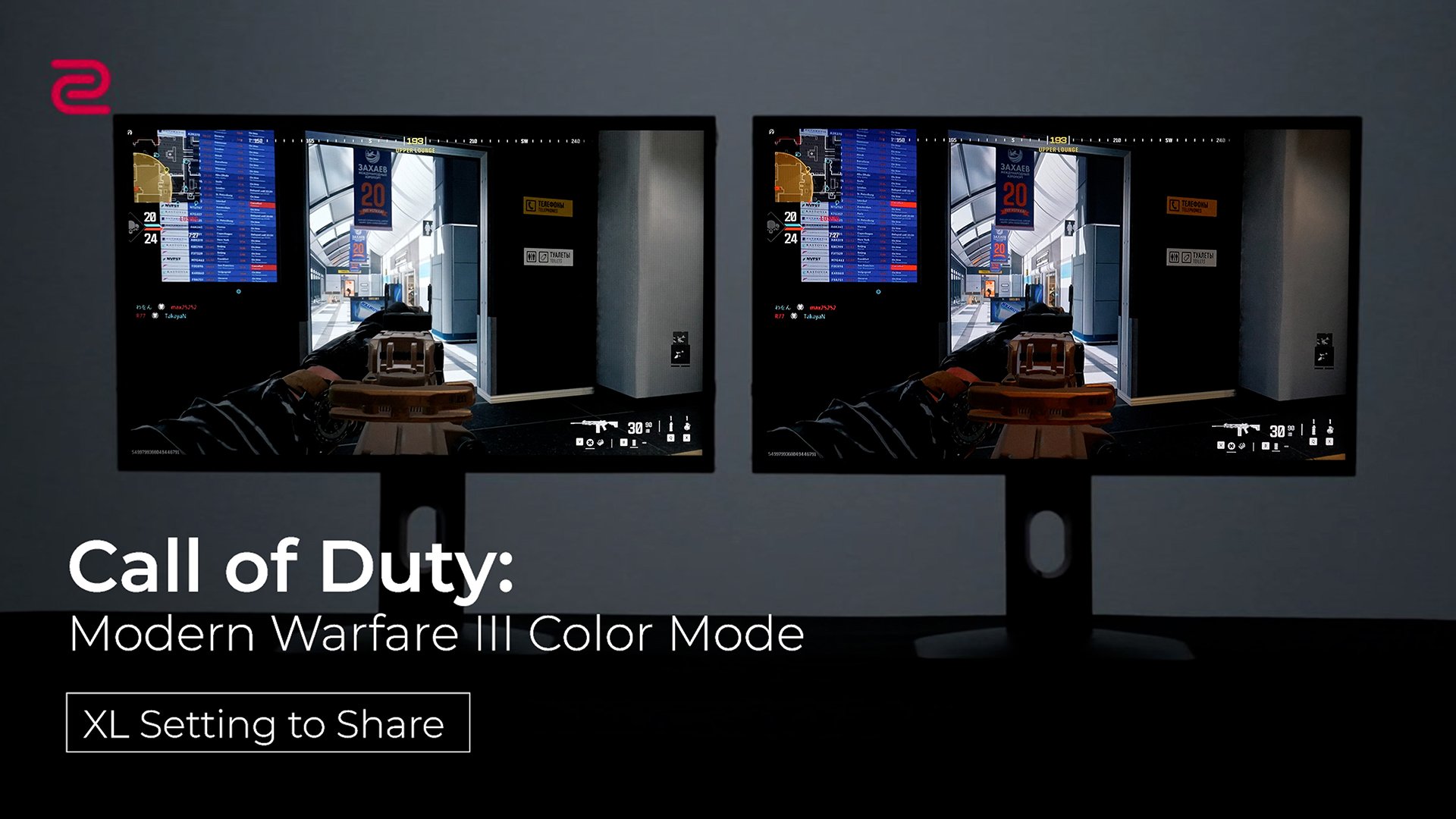
Enhance your focus in games with improved clarity and comfort by adopting the recommended color mode from the ZOWIE team.
Automatically switches color modes based on screen content, saving setting adjustment hassles and enhancing switching-free gaming experience.
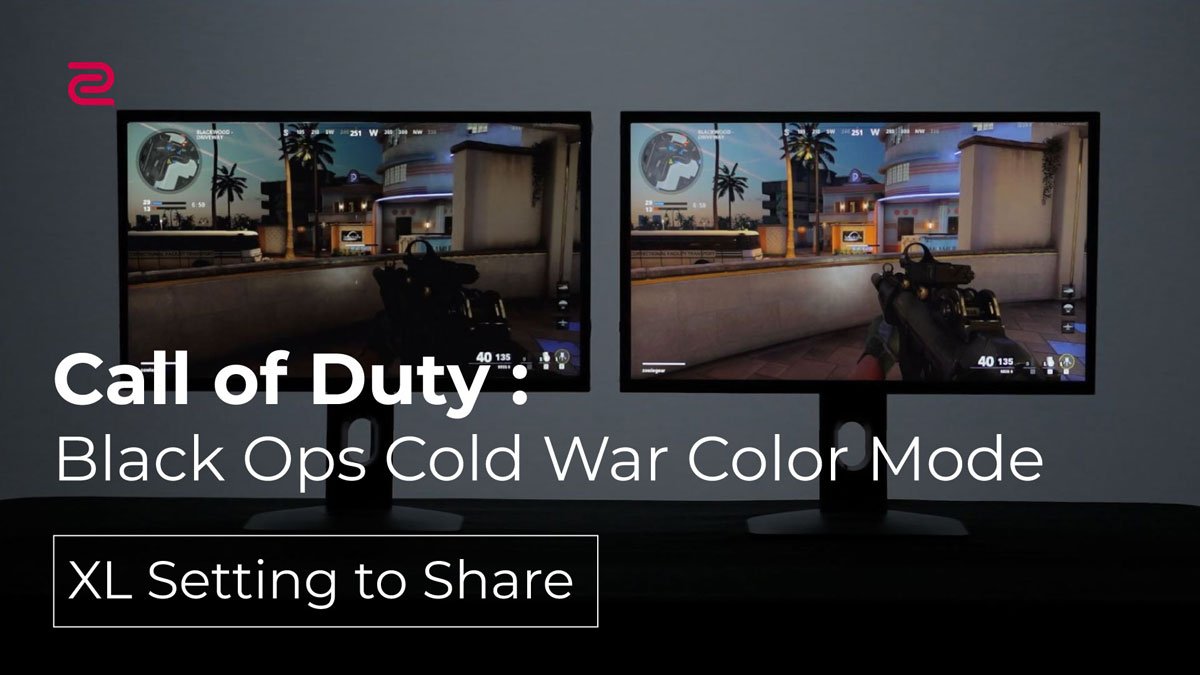
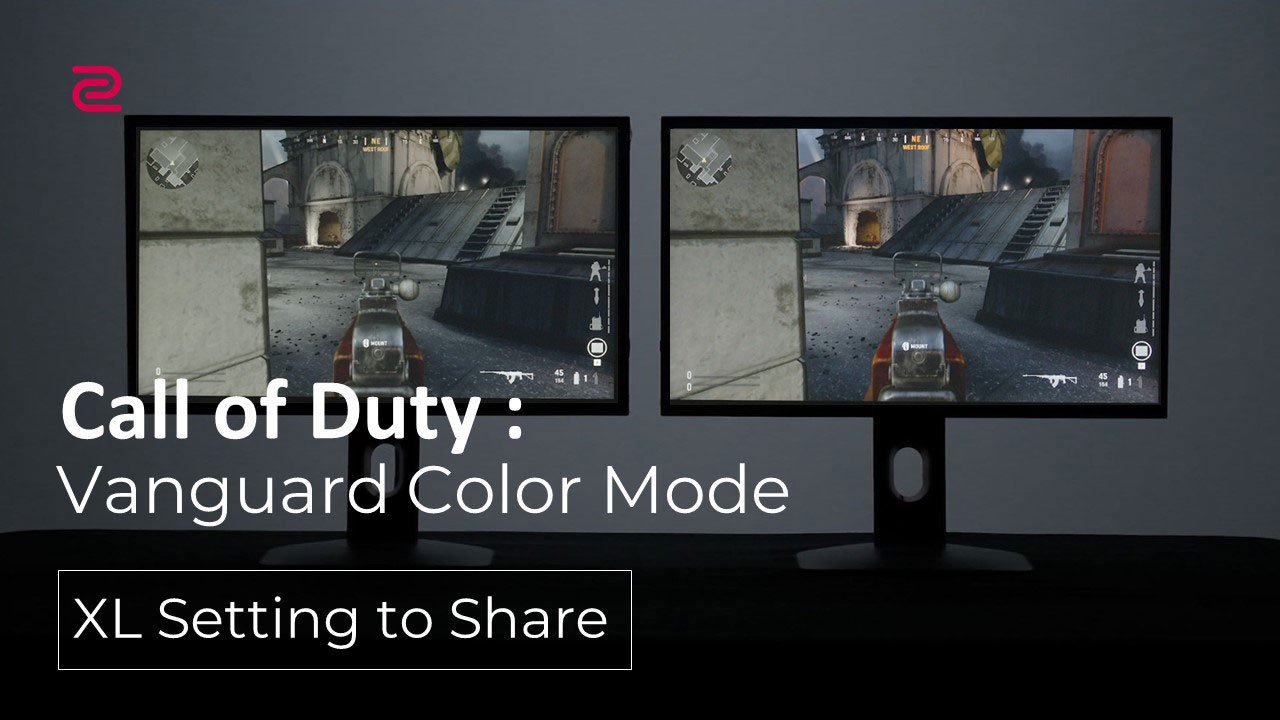
COD Vanguard
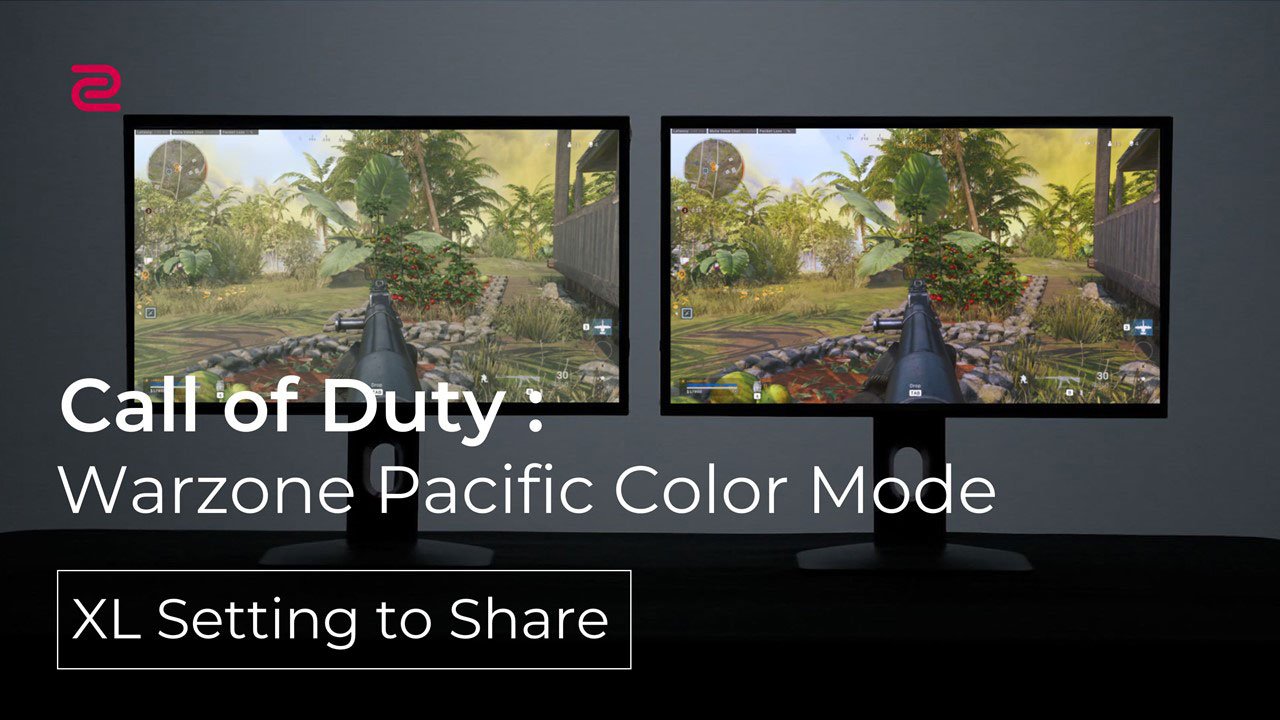
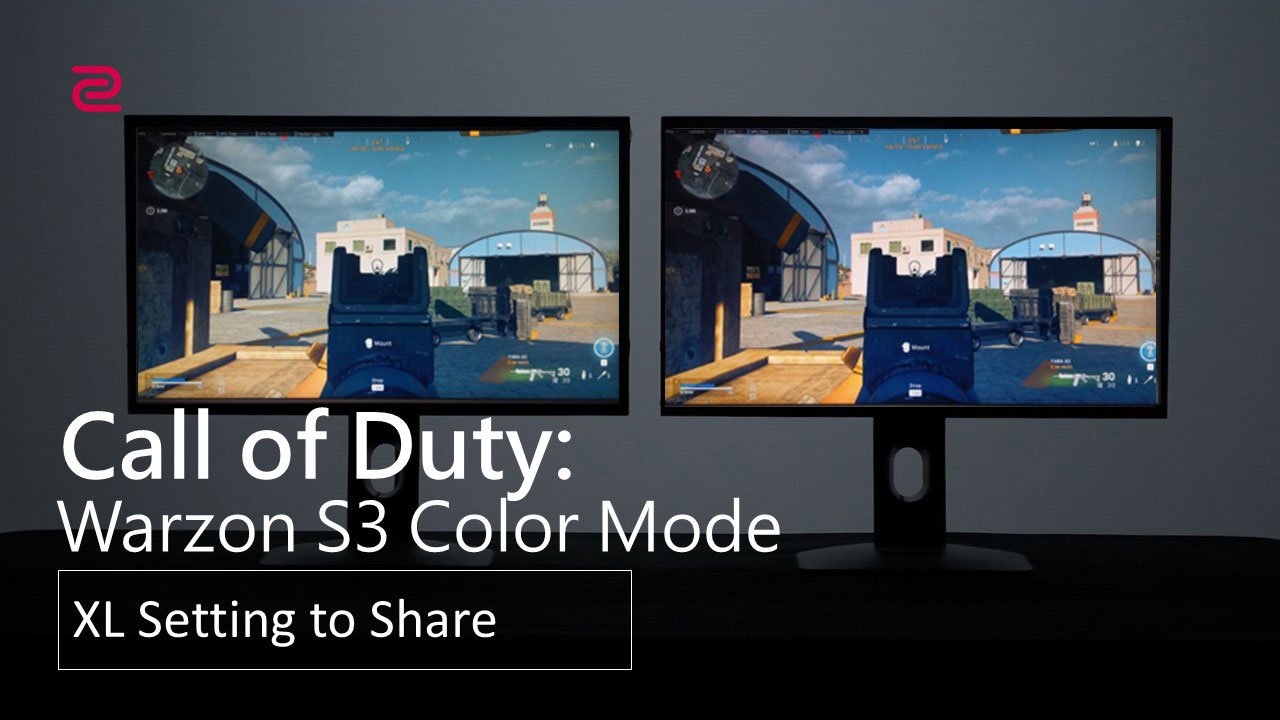
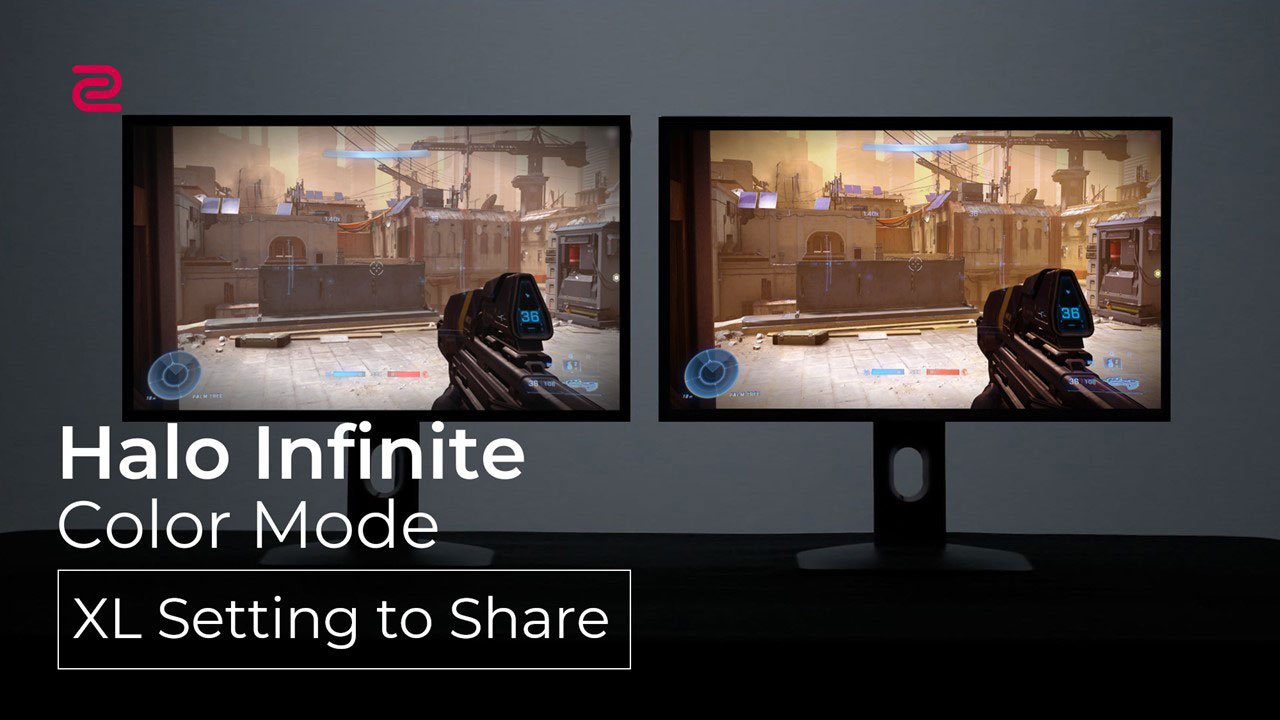
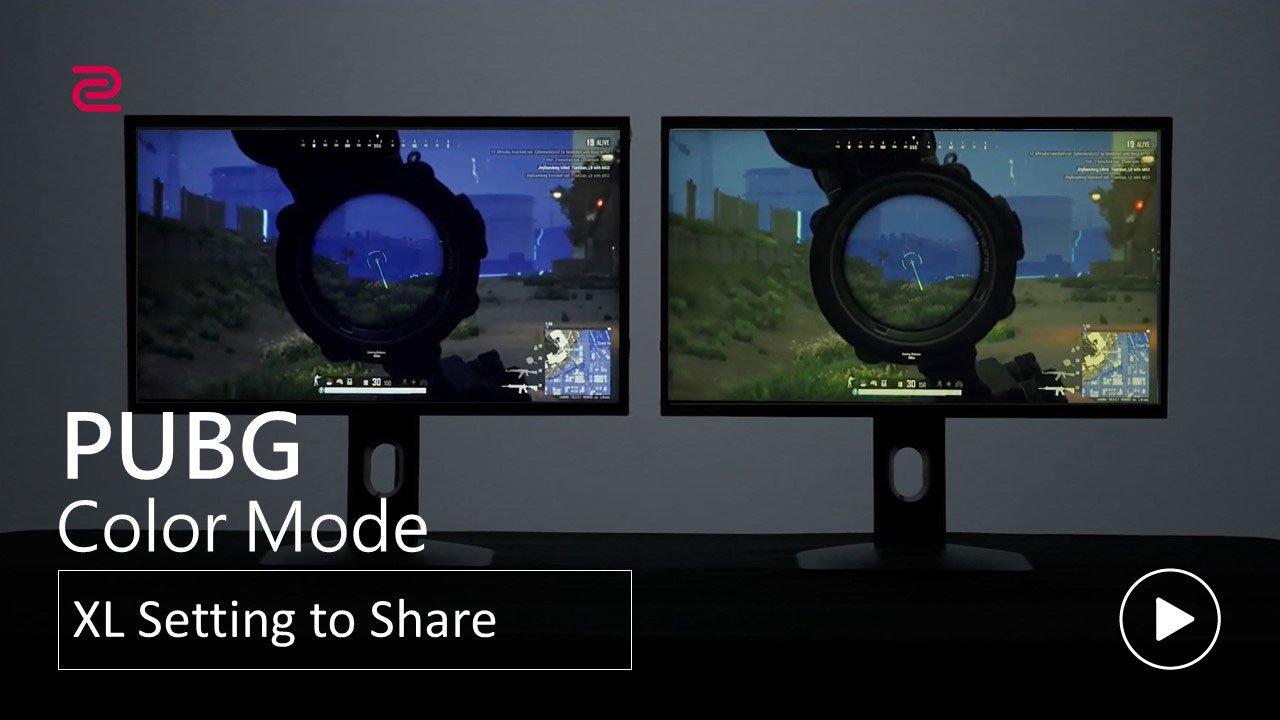
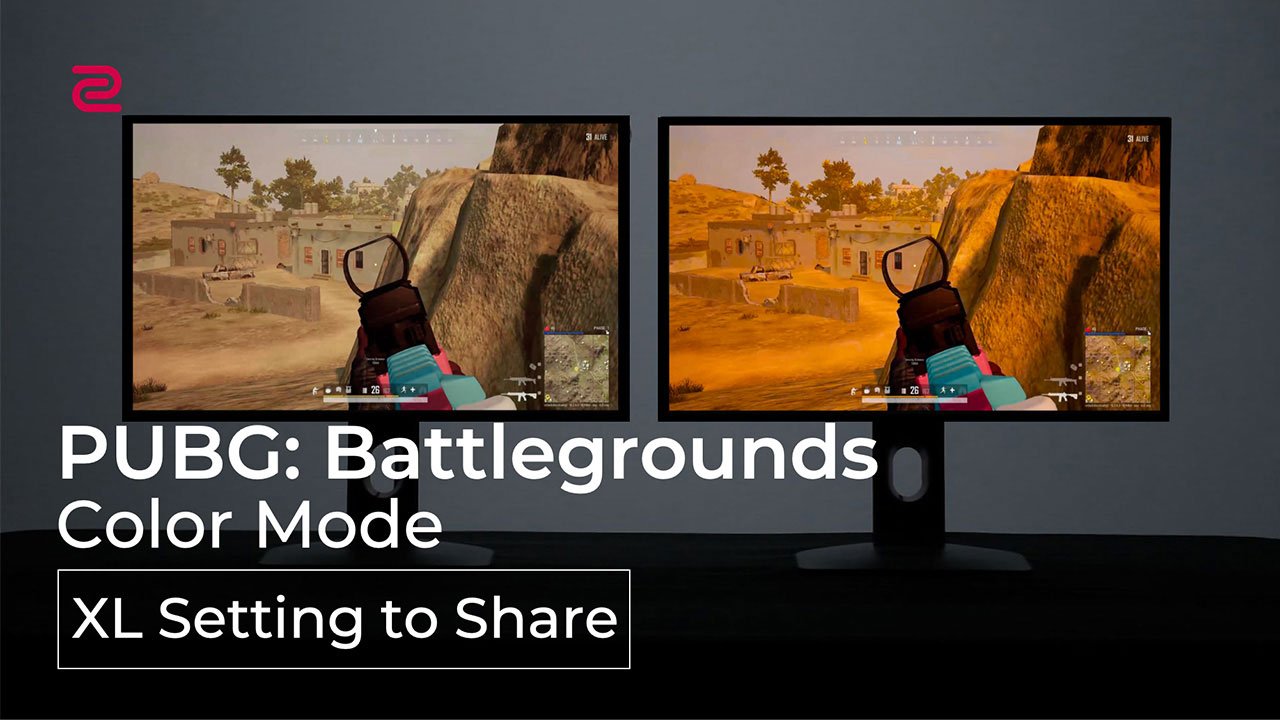
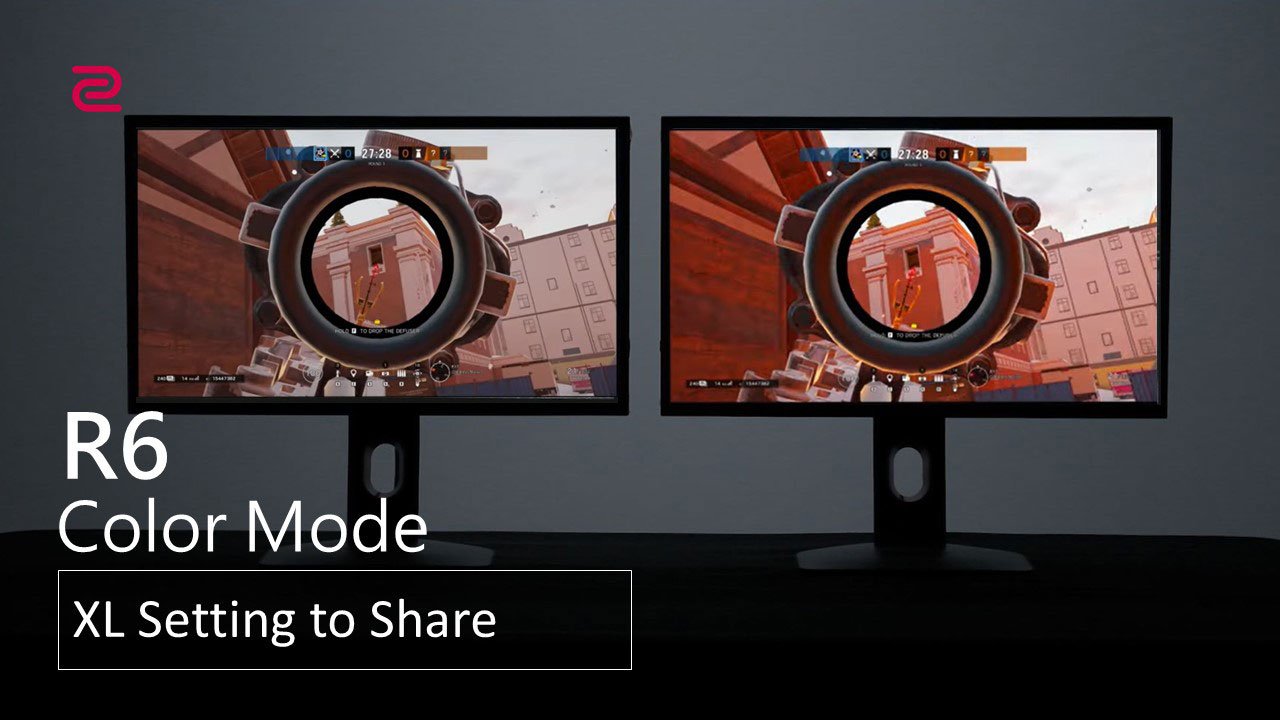
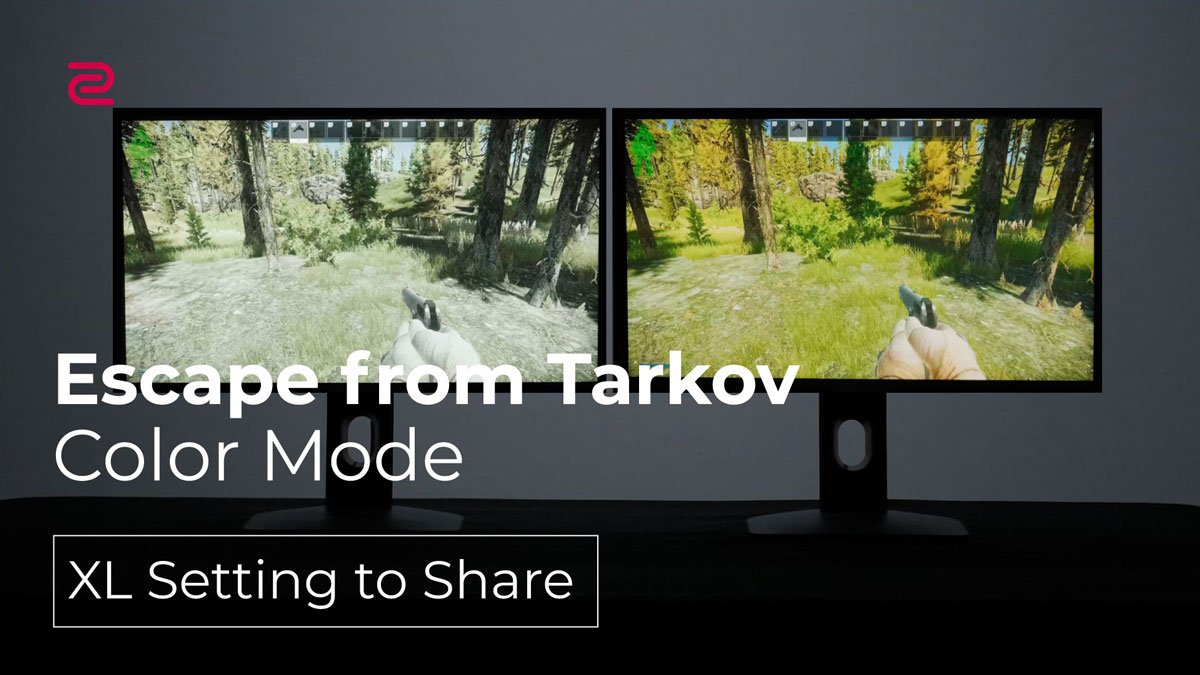
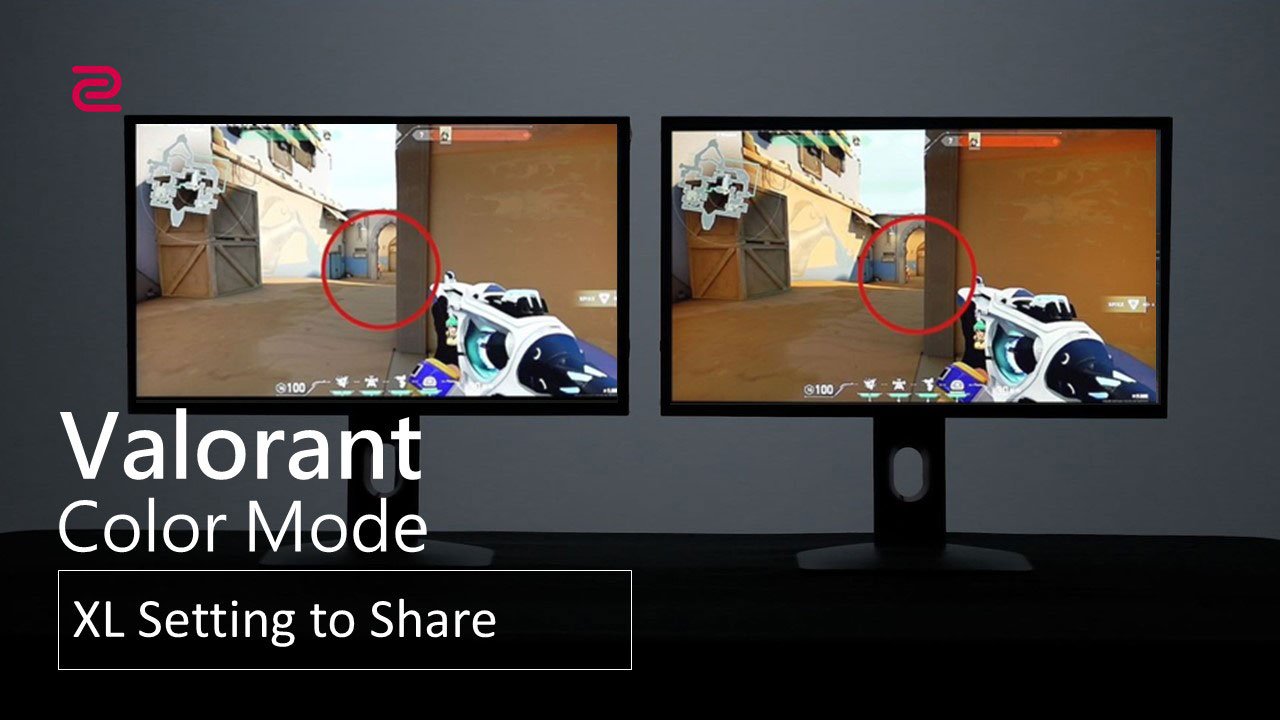
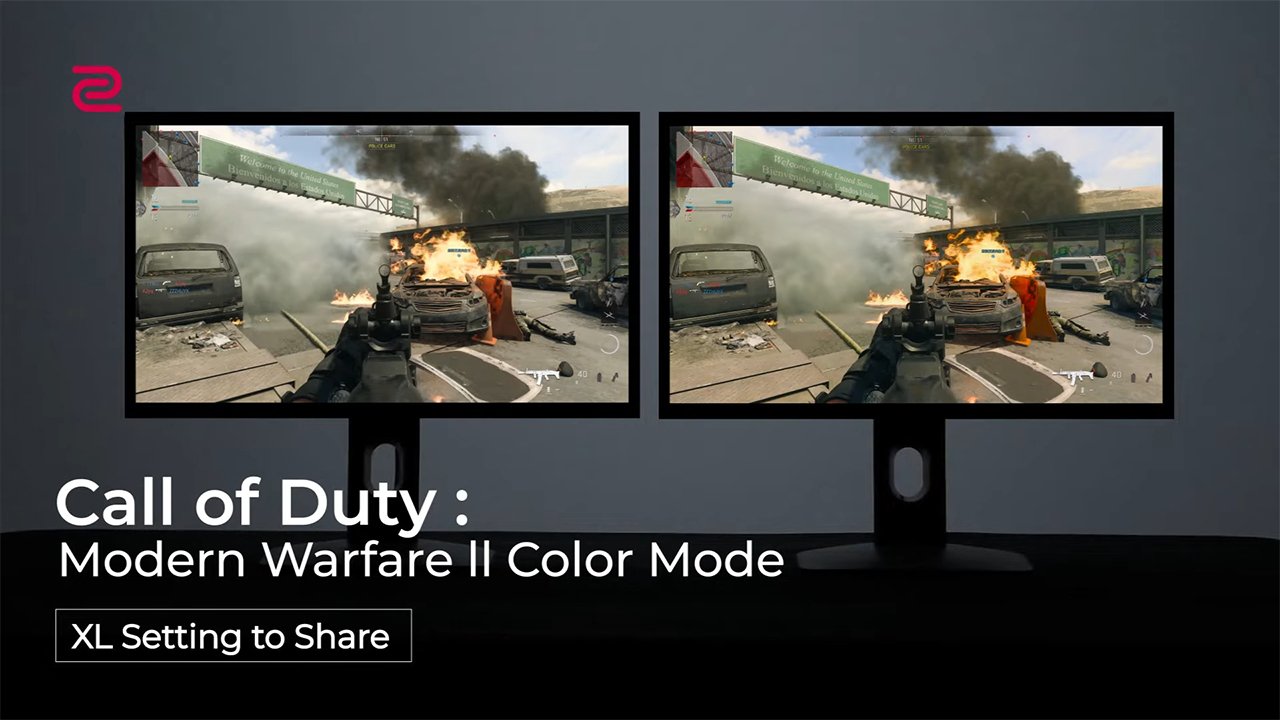
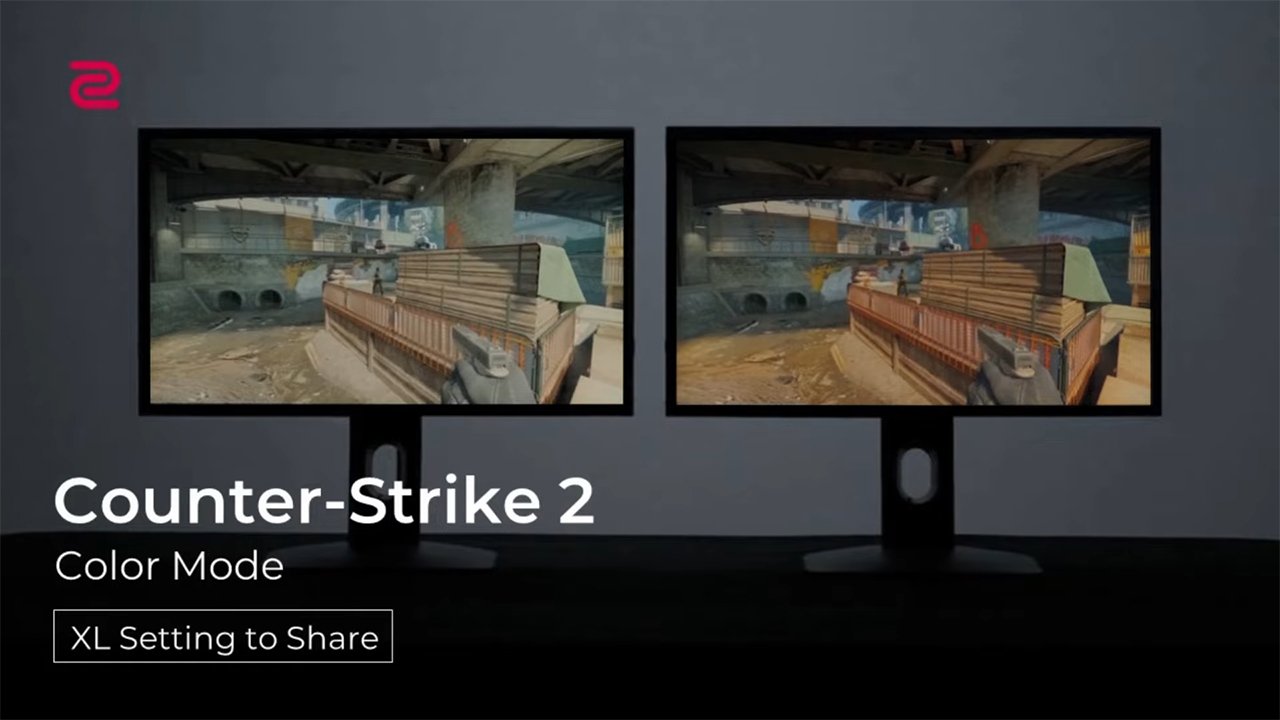
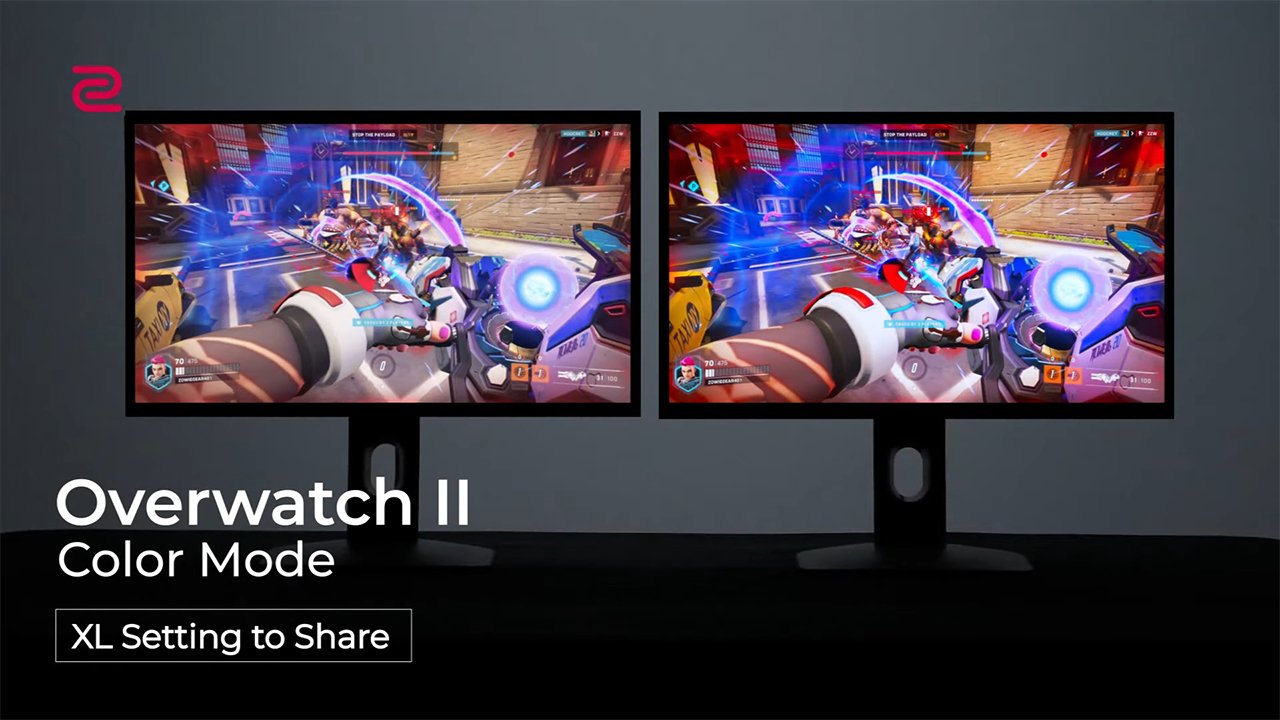
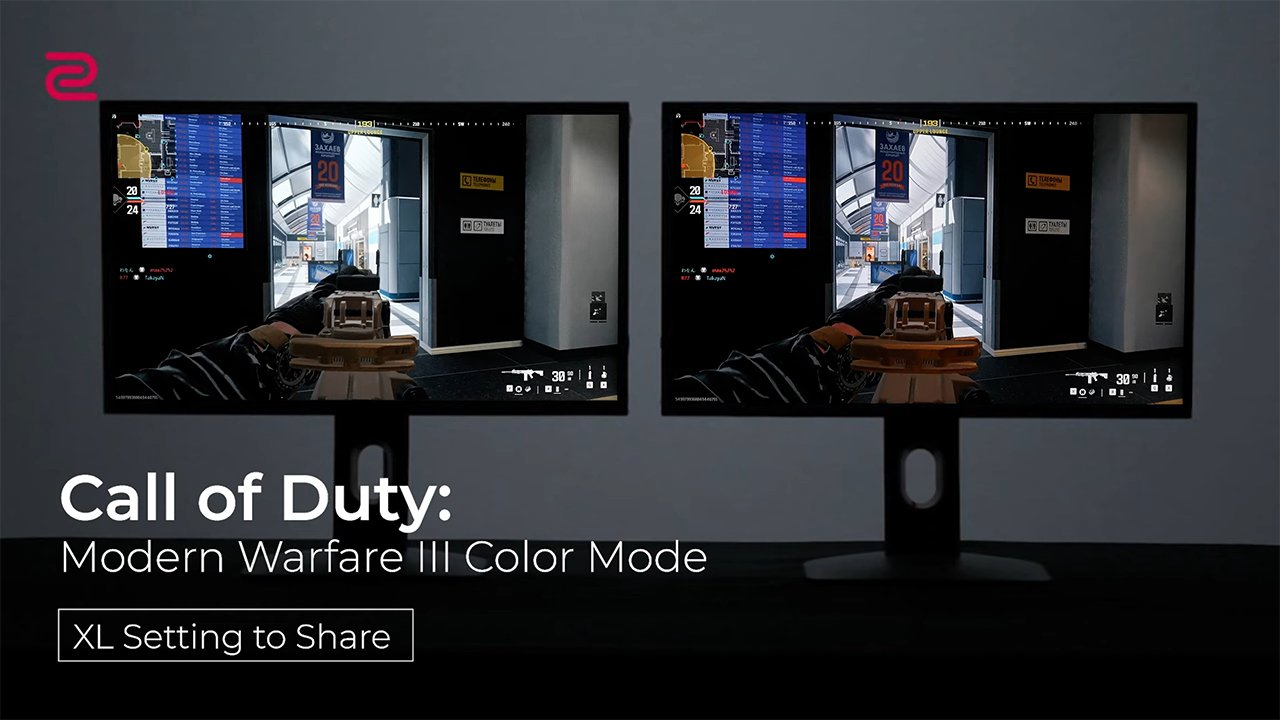
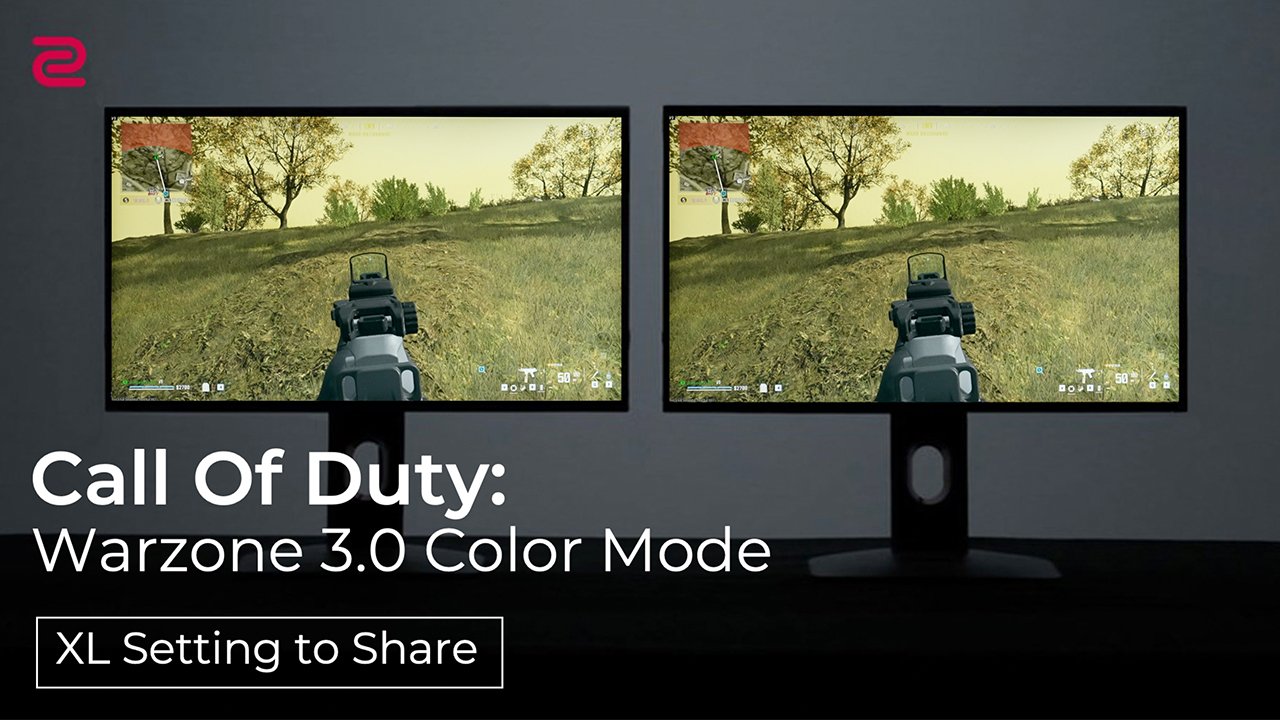


For the XQ-X & XL-K series monitors. You can find CSGO mode as preset FPS1 mode. COD WZ 1.0 mode as preset FPS2 mode. Fortnite mode as preset FPS3 mode.
* The color modes are the monitor settings optimized for the mentioned gameplay and not performance enhancement guaranteed.
For the XQ-X & XL-X series monitors, you can find CS2 mode as preset FPS1 mode. VALORANT mode as preset FPS2 mode. APEX mode as preset FPS3 mode.
CS2 MODE (refer to FPS1)
VALORANT MODE (refer to FPS2)
APEX MODE (refer to FPS3)
CS2 MODE (refer to FPS1)
VALORANT MODE (refer to FPS2)
APEX MODE (refer to FPS3)
Q: How to use XL Setting to Share™?
A: You can watch this video to learn more about how XL Setting to Share™ works.
Q: Can I share my settings with a friend whose monitor is not on the list of compatible monitors?
A: Sorry, you won’t be able to. This feature requires hardware, firmware and software to work so only monitors with firmware that is compatible with the software can make use of this feature.
Q: I want to reproduce the colors of my XL-K on my new XL-X model. What should I do?
A: You can reproduce the color settings of your XL-K series model on an XL-X series model. Firstly, ensure your monitor showcases the color settings you want on the XL-K monitor. Secondly, use XL Setting to Share to export the current monitor settings of the XL-K model into a profile. Thirdly, connect the XL-X monitor with the XL Setting to Share. Finally, import the XL-K profile to the XL-X monitor.
Q: I am using an XL-K series model. Could I import the XL-X profile?
A: Due to different color specifications, the color mode profiles of the XL-X series model are not optimized for the XL-K series model. Therefore, we suggest you download and import profiles designed for XL-K models.
Q: I am using an XL-X series model. Could I import the XL-K profile?
A: Yes, XL-X models can support and display color profiles of XL-K models.
Q: How could I get suggested color mode settings if my XL monitor doesn’t support XL Setting to Share?
A: We want people who own the previous models to have access to these color settings. Therefore, we have prepared the suggested monitor settings for non-XL Setting to Share™ compatible monitors. Click Here to check. We will keep adding more models and game modes to the table. Please check later if your preferred monitor model or game titles are not on the list.
Q: The game I want to enable with Auto Game Mode doesn't display on the application list. What should I do?
A: You can manually add the game to the list by the following steps:
Select "Application Sync Settings” > click the “+” icon > click “More Applications” > Find the folder that installs the game you want > Select the game file (.exe) that runs when you are playing with > Select the color mode you want to sync with > Finished.
*Please note that some games may have multiple executable files in the folder due to the developer's requirement. For correct selection, you may need to contact the game developer.
Q: If I have additional questions, where can I get help?
A: Please contact our RMA department through our website ( ZOWIE site > Support > Contact > RMA ) ; or you can send us a message on our global Facebook / Twitter @ZOWIE by BenQ
Explore Pro’s Monitor Settings